Immersive Reader, is a full screen reading experience to increase readability of content in OneNote documents. Immersive Reader is designed to support students with dyslexia, dysgraphia and students where English is a their second language, but can support anyone who wants to make reading on their device easier.
Immersive Reader is available in the following applications.


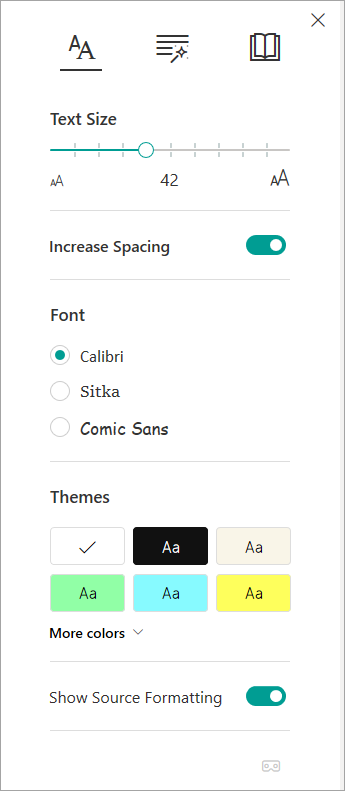
Text options
Part of speech
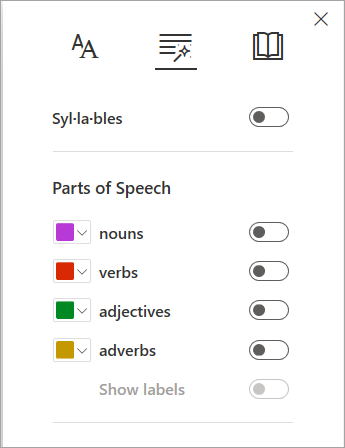
Parts of Speech controls grammar highlighting and helps readers understand complex sentences. Learn more: Highlight parts of speech.
Reading preferences
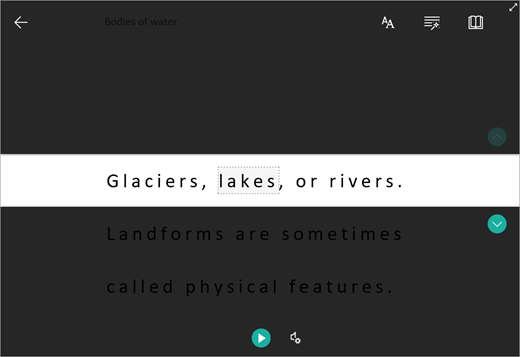
Line Focus
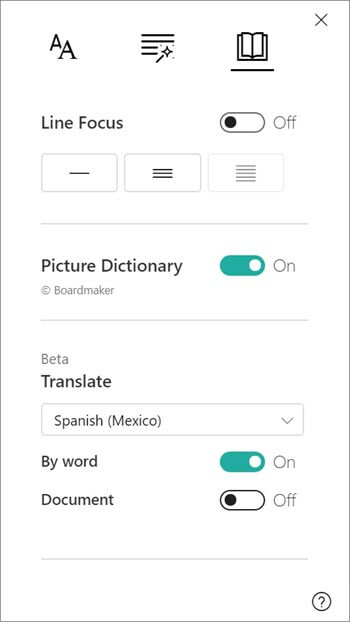
Line Focus enables readers to narrow the focus of their reading experience by highlighting sets of one, three, or five lines within their chosen material in Immersive Reader. Learn more: Turn on line focus
Picture Dictionary
Picture Dictionary gives you the ability to click on any single word and have it read aloud.

Translate
Translate lets you change the language of the text you’re reading. You can translate by word or the entire document.

Voice options
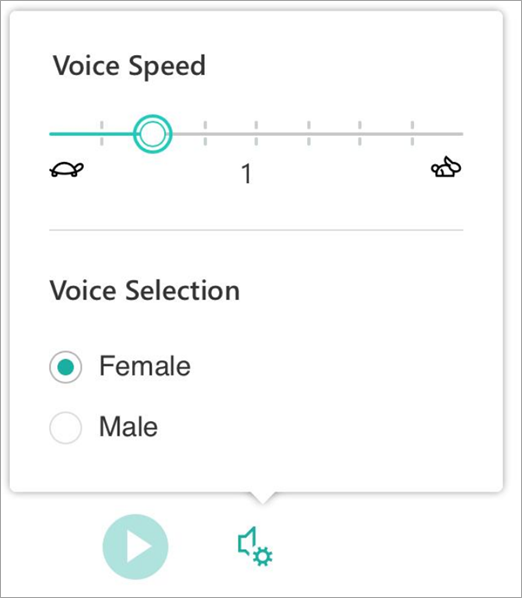
Control the voice speed and speaker with Voice Options. Learn more: Change the voice in Immersive Reader